
Your PlanOps plan isn't always your only subscription. The free Chloé plan and the AI and SMS credit packages are billed separately, and each one has its own date. Changing your plan can also create an invoice partway through the year. First, note the amount and date shown in the email. Then compare them with your subscription page.
Before you begin
- Only the Administrator role can view the subscription. Other roles see the message You don't have access to billing. Ask an administrator.
Find the subscription
- At the bottom of the left menu, click App settings.
- On the General page, click the Subscription section to open it.
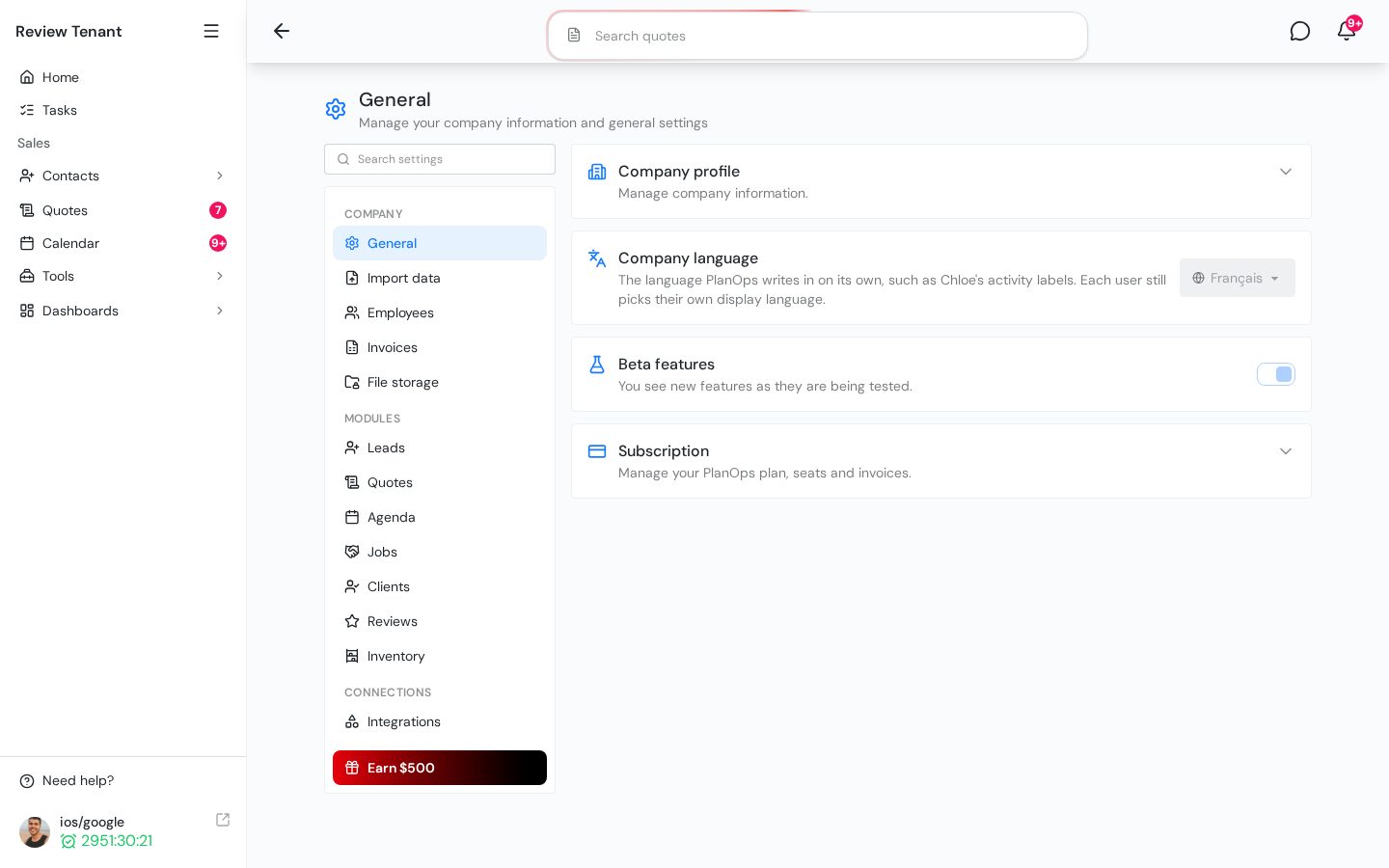
- In the Invoices list, look for the invoice that matches the amount and date in the email. Click View or PDF to see its details.
Possible causes
The amount is $0.00: it's the free Chloé plan
Every company has a free basic Chloé plan. It's managed as a separate subscription that renews every month, and each renewal creates a $0.00 invoice in the Invoices list. You don't have anything to pay. This plan has no Cancel button.
The renewal is for an AI or SMS credit package
An AI or SMS package you buy is a separate subscription from your main plan. It has its own billing frequency and its own date. To check, look under AI credit usage or SMS usage. The Renews line shows the date and amount of the next renewal. To stop this package, click Cancel, then click Cancel at period end. For more details, see Buy or cancel an AI or SMS credit package.
Important: A canceled package stays active until the end of the current period, and you don't get a refund for the remaining time.
Your main plan is billed in installments
In the Current subscription card, compare these two lines:
- Next payment: the amount and date of your plan's next charge.
- Renewal: the end of your one-year commitment.
If the Next payment date comes before the Renewal date, your plan isn't paid in a single annual payment. Instead, it's billed more often (monthly, every 3 months, or every 6 months), and each payment creates a new invoice.
You changed your plan or added licenses
When you use Change plan or licenses to move to a larger plan or add licenses, you're invoiced right away. You pay the Prorated charge now, which covers the days left in the current period. Your billing date doesn't change. Moving to a smaller plan doesn't charge or refund anything at that point.
Tip: If none of these causes matches the email, click Need help? in the left menu and give the invoice number to the PlanOps team.
What's next
To learn how the billing cycle works, read Understand subscription billing and renewal.